
In the fast-paced digital office of 2026, the Portable Document Format (PDF) is both a blessing and a curse. It guarantees that your quarterly report looks identical on an iPhone as it does on a Windows desktop. But when that report swells to 50MB and your email client refuses to send it, the PDF suddenly feels like a digital prison.
Knowing how to seamlessly manipulate, shrink, and reorganize PDFs is no longer just a skill for IT professionals—it is a mandatory productivity requirement for anyone who works from a computer. This guide will walk you through building the ultimate, risk-free PDF Management suite.
The Core Problem with Cloud Converters
Historically, when office workers needed to merge two documents, they Googled "Free PDF Merger," uploaded their highly sensitive corporate financial data to a random server in an unknown country, downloaded the result, and prayed it wasn't intercepted.
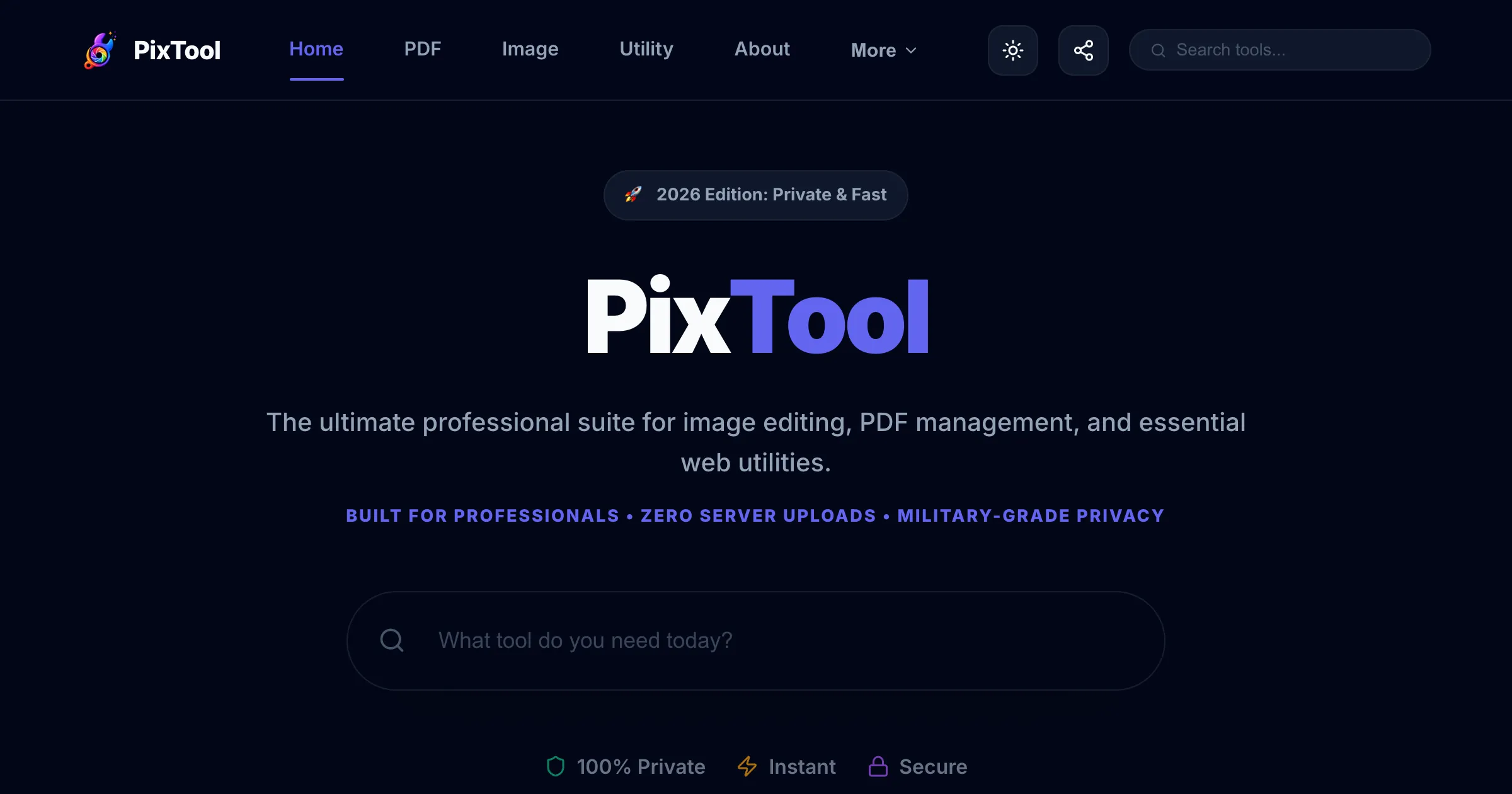
This is a catastrophic security risk. The modern solution is to use "Zero-Upload" browser applications. By leveraging WebAssembly (WASM), tools like the PixTool Document Suite process the math directly on your laptop’s CPU. Your files never touch an external server, meaning your privacy is cryptographically guaranteed.
Module 1: Mastering PDF Compression
The most common PDF crisis is the "Attachment Too Large" error. This usually happens because a PDF was exported with "Print Quality" settings, embedding uncompressed, massive 300 DPI images into the file.
A professional PDF Compressor performs sub-sampling. It scans the document, locates the heavy images, and algorithmically reduces their resolution to "Web Quality" (around 72 to 144 DPI) while mathematically tossing out invisible color data. This can routinely turn a 50MB architecture schematic into a 2MB file that zips through email instantaneously, with zero noticeable difference to the naked eye.
Module 2: The Art of Merging
You've received three separate PDF invoices, a cover letter as a Word doc, and a scanned receipt as a JPEG. Your HR department demands they all be submitted as a single, ordered document.
Instead of printing everything out and rescanning it (a tragically common occurrence), use a local PDF Merger. A high-quality merger allows you to drag and drop mixed file types onto a visual timeline. You can rearrange the thumbnails, ensure the cover letter is first, and seamlessly fuse them into one cohesive, professional package.
Module 3: Surgical Splitting and Extraction
The inverse problem is receiving a 500-page digital textbook when you only need to send Chapter 4 to your study group. Sending the whole book is rude to the recipient's bandwidth and overwhelming to read.
With a PDF Splitter, you can perform surgical document extraction. You simply enter the page range (e.g., "Pages 112-145") and immediately extract a lightweight, focused sub-document. Advanced splitters also allow you to "Burst" a document—taking a 50-page PDF and exploding it into 50 individual, single-page PDF files instantly.
Advanced Pro-Tips for Real Estate and Law
- The Redaction Illusion: Drawing a black box over text in a standard PDF editor does not delete the text; it just hides it. Anyone can copy-paste from beneath the black box. Always use our PDF to Image converter to "flatten" the redacted document before sending it.
- Bates Stamping: For legal professionals organizing hundreds of merged cases, use a PDF Watermarker to chronologically stamp index numbers across the bottom of every merged page.
- Locking the Final Product: After you have successfully compressed and merged your final deliverable, apply an Owner Password using a PDF Encryption Tool to guarantee nobody alters your final assembly.
Conclusion
You control the document; the document does not control you. By bookmarking a fast, secure, zero-upload PDF toolkit, you can eliminate document-related anxiety entirely and reclaim hours of wasted administrative time every single week.