
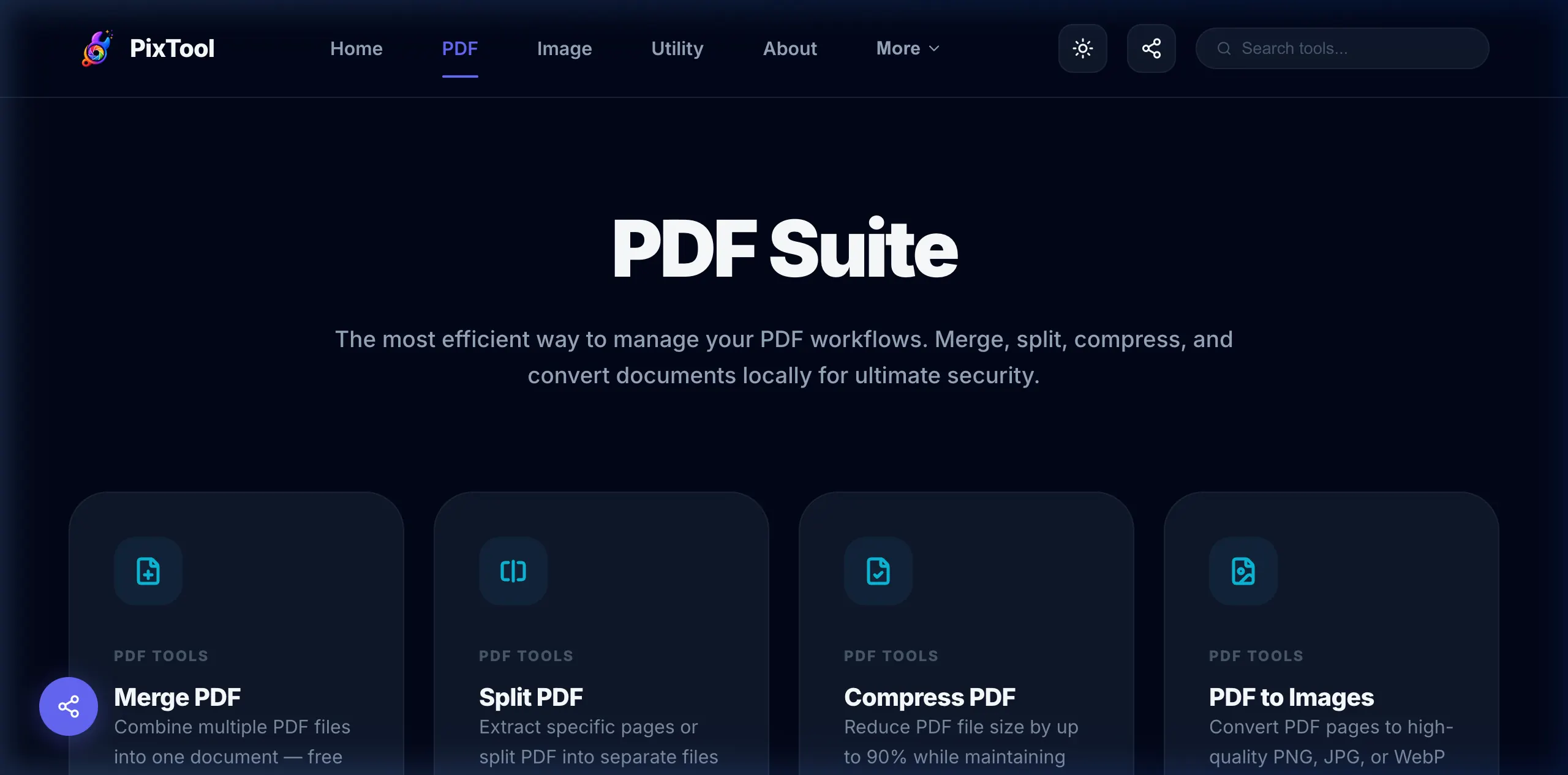
PDFs remain the undisputed standard for digital documents in 2026. Whether you're combining invoices for your accountant, splitting a massive textbook into chapters, or compressing a portfolio for a job application, having a robust set of PDF tools is essential. However, finding free PDF tools that don't compromise your privacy or bombard you with hidden subscriptions has become increasingly difficult.
In this guide, we break down the definitive list of best free PDF tools available online, with a critical focus on the newest and most important category: Zero-Upload, Local Processing Utilities.
The Hidden Dangers of Cloud-Based PDF Editors
Before 2024, if you wanted to merge two PDFs for free, you would Google "free pdf merger online," click the top result, upload your highly sensitive financial documents or client contracts to a random server, and wait for the merged file to download.
This is a massive security risk.
When you upload a file to a cloud-based converter, that file sits on a third-party server. Even if the service claims to delete files after 2 hours, your data is vulnerable during transit and processing. For legal professionals, HR departments, and anyone handling PII (Personally Identifiable Information), this workflow is often unacceptable.
The Browser-Based Revolution: How Local Processing Works
Modern tools like PixTool's PDF Suite utilize powerful browser technologies like WebAssembly (WASM). This means that when you click "Merge" or "Compress", the underlying processing code is downloaded to your browser, and the actual modification of your PDF happens entirely on your own device's CPU and RAM. Your document is never uploaded to the internet.
Top 5 Free PDF Tool Functions You Need in 2026
1. The Free PDF Merger
Merging PDFs is the most requested document task globally. You might have separate scanned pages, multiple receipts, or different chapters of a report. Using a secure PDF merger allows you to drag-and-drop multiple files, rearrange them dynamically, and compile them into a single, cohesive document instantly.
2. PDF Splitting and Extraction
If you receive a 500-page manual but only need pages 45–50 to send to a colleague, sending the entire file is inefficient (and often prevented by email attachment limits). A local PDF splitter lets you extract exact page ranges, creating a new, lightweight PDF containing only the information you need to share.
3. High-Ratio PDF Compression
Because PDFs often contain embedded high-resolution images and vector graphics, their file sizes can balloon into the hundreds of megabytes. This makes them impossible to email or upload to web portals with strict file size limits (like state government sites or job application systems).
By using an advanced PDF compressor, you can apply aggressive or lossless compression profiles that strip out unnecessary metadata, downsample hidden images, and reduce the file size by up to 90% while keeping the text perfectly readable.
4. Document Protection and Encryption
If you are sending a contract, a W-2 form, or a sensitive internal memo, sending an unprotected PDF over email is risky. You need a tool to password protect your PDF. The best tools utilize modern AES-256 encryption. By locking the file locally before attaching it to an email, you ensure that even if the email is intercepted, the document cannot be read without the password.
5. PDF Organization and Reordering
Sometimes you don't need to add or remove pages; you just need to fix a document scanned out of order. A drag-and-drop PDF page reorder tool provides a visual storyboard of your document, allowing you to shuffle pages into the correct sequence before saving.
Why Choose PixTool for Your PDF Needs?
PixTool was built fundamentally around the concept of "Zero-Upload." It is 100% free, requires absolutely no registration or login, and operates entirely offline once the site has loaded.
- No Uploads: Absolute military-grade privacy. Your files never leave your computer.
- No File Size Limits: Because we don't pay for server bandwidth to upload your files, we don't restrict how large your PDFs can be. If your computer's RAM can handle it, PixTool can process it.
- No Watermarks: Unless you explicitly choose to use our Watermark tool, we never brand your final documents.
Conclusion
As digital privacy concerns mount, moving away from cloud-based document processing is a necessity, not a luxury. By utilizing local, browser-based utilities for your PDF merging, splitting, and compressing needs, you save time, bypass frustrating premium paywalls, and keep your sensitive data strictly in your own hands.
Frequently Asked Questions (FAQ)
- Are online PDF editors safe? Cloud-based editors carry inherent risks because they require you to upload your files to external servers. However, "Local-Processing" editors like PixTool are 100% safe because the files never leave your device.
- How can I reduce a PDF to under 2MB for an application? Use a free PDF compressor, set the compression level to "High" or "Aggressive," and the tool will downsample the images inside the PDF to drastically reduce the file size.
- Is there a limit to how many PDFs I can merge? On local tools like PixTool, the only limit is the memory (RAM) available on your device. For most modern laptops and phones, merging 50+ PDFs simultaneously works seamlessly.